Community Service Form Templates:
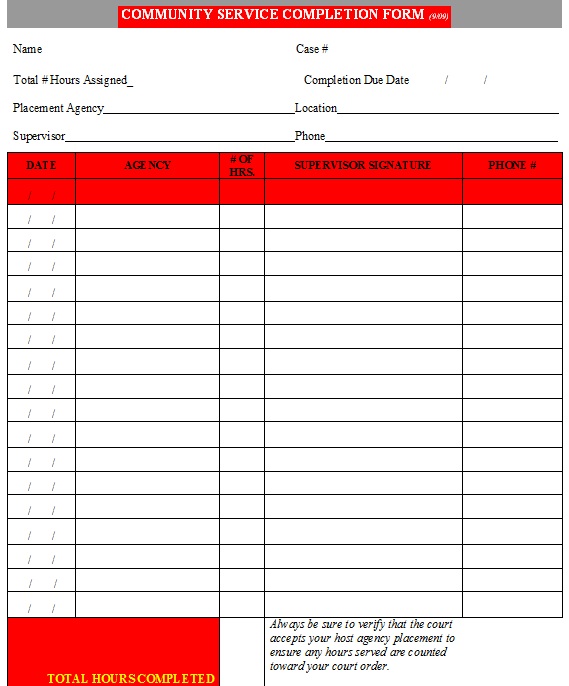
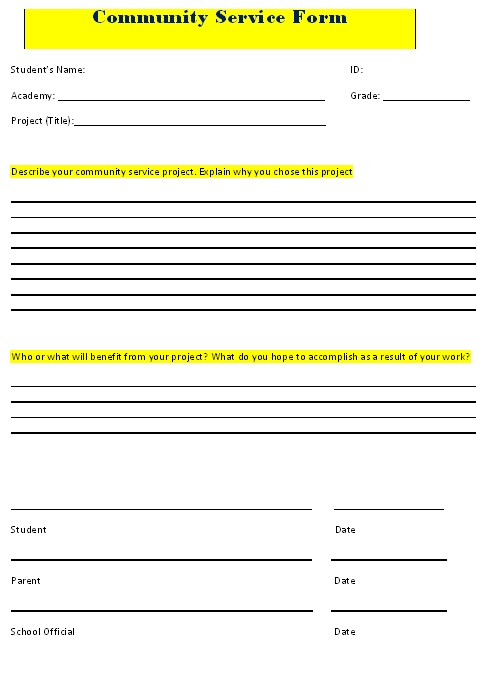
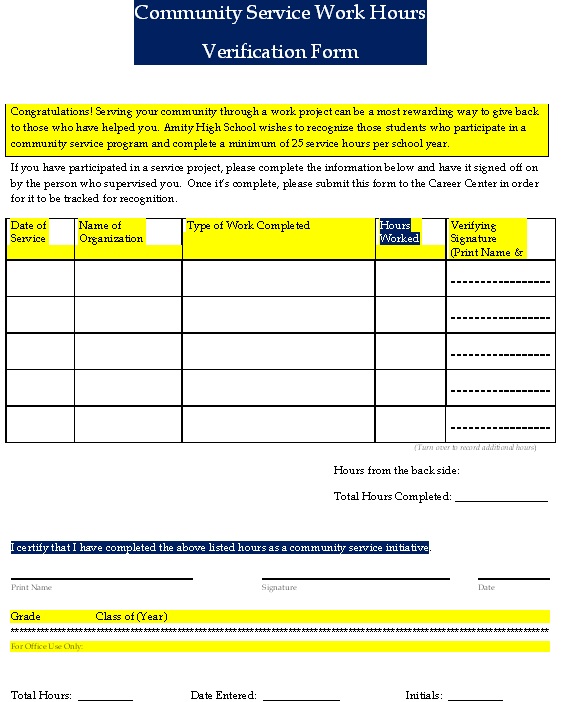
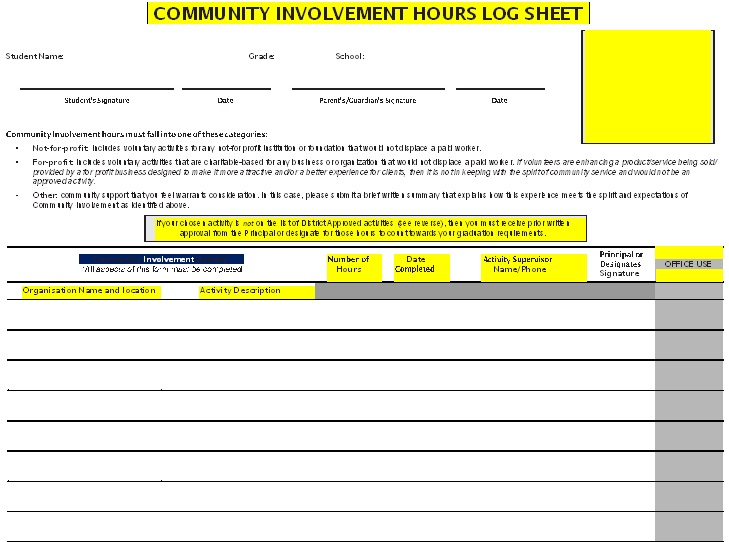
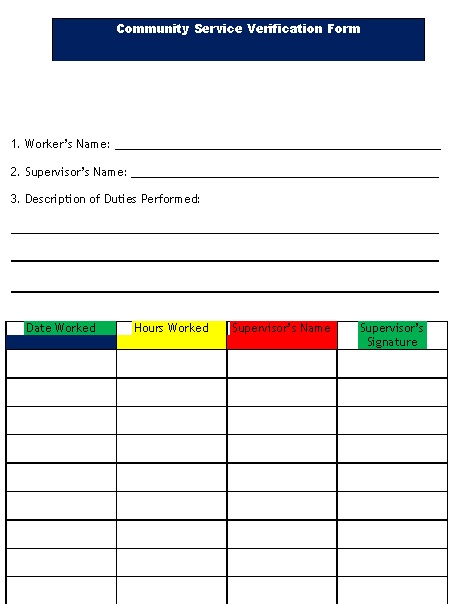
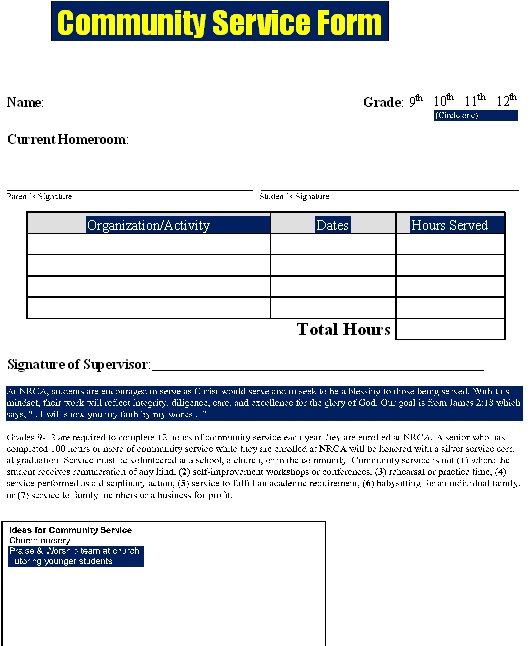
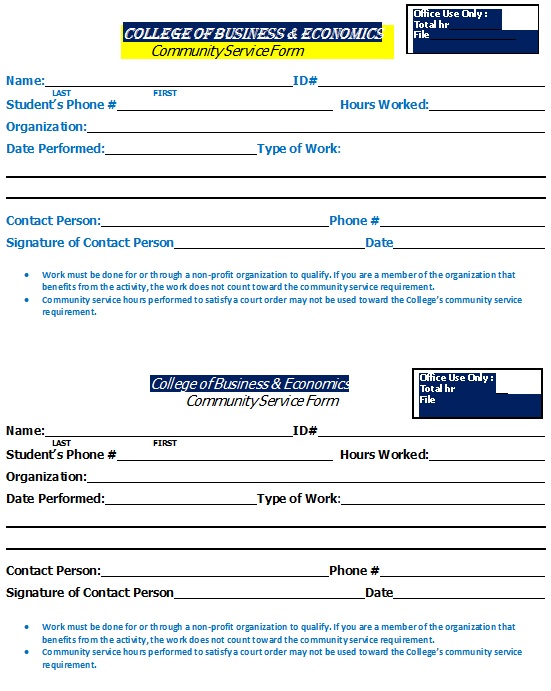
Community service forms are useful documents for recording, verifying, and organizing volunteer work completed for schools, nonprofit organizations, community programs, courts, employers, and other organizations. A typical community service form may include the volunteer’s name, organization, dates of service, hours completed, type of work performed, and a supervisor’s signature or contact information. Whether you need a community service hours form, volunteer log, or service verification form, having a clear and organized template can make it easier to keep accurate records.

What Should A Community Service Form Include?
A community service form is a document used to record information about volunteer or community service activities. It provides a written record of where the service was completed, what tasks were performed, how many hours were worked, and, when required, confirmation from a supervisor.
Community service forms can be used in many situations, including:
- School volunteer requirements
- High school graduation programs
- College applications and service programs
- Nonprofit and community organizations
- Volunteer programs
- Scholarship applications
- Court-ordered community service
- Workplace volunteer programs
- Religious and civic organizations
- Personal volunteer records
The information required can vary depending on who is requesting the documentation, so it is always a good idea to check the specific requirements before completing a form.
How to Fill Out a Community Service Form?
Filling out a community service form is usually straightforward.
Step 1: Enter Your Information
Start by providing the requested volunteer or participant information.
Use your legal or preferred name according to the requirements of the organization requesting the form.
Step 2: Enter the Organization’s Information
Provide the name of the nonprofit, school, community group, or other organization where the service was performed.
Step 3: Record Each Service Date
Enter the date for each volunteer activity.
If the form has multiple rows, use a separate row for each service session.
Step 4: Describe the Work
Briefly explain what you did.
For example:
Assisted with sorting and distributing donated food to community members.
Keep descriptions factual and concise.
Step 5: Record the Hours
Enter the number of hours completed for each activity. Make sure the total is calculated correctly.
Step 6: Obtain Verification
If verification is required, ask the appropriate supervisor or authorized representative to review and sign the form.
Step 7: Keep a Copy
After completing the form, keep a copy for your records before submitting the original.